All creation information and copies in systems we or our processors control are deleted within 48 hours from upload start, or prompt submission without an upload. Inputs, outputs and all associated information share that deadline. Independently exported files are outside that storage.
An image is only the beginning.Your image.
Your image.
Another possibility.
A moment can move. A familiar image can feel entirely new. Find a different direction with Takeloft.
Explore the possibilities Google Play · Coming soon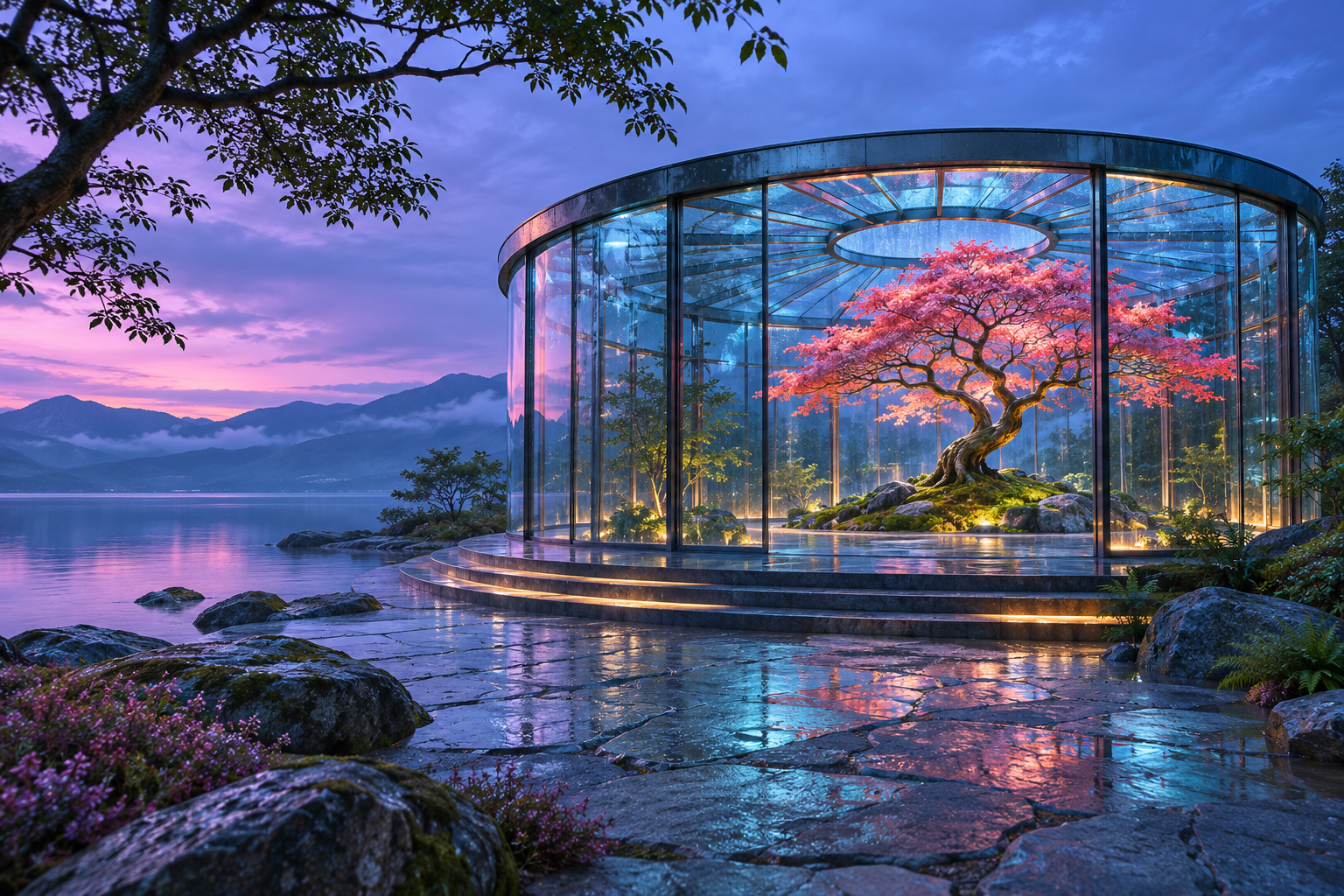
Revisit what you see.
Rethink what it could be.
Keep your image at the heart of the process. Add a sense of motion, or explore a new visual interpretation.
01Image to videoA still image.
A still image.
A sense of motion.
Use an image as the starting point for a video. Explore how a moment might unfold, then review the result and keep what speaks to you.
Choose your image through the system Photo Picker. You decide which file to share; the app does not browse your whole photo library.
From idea to creation02Image to imageSame starting point.
Same starting point.
New point of view.
Give an existing image a different interpretation. Work from something personal to you and explore another visual direction without starting from a blank page.
Use your own images or images you have the right to use. If someone else is pictured, get their permission before uploading.
A change of scenery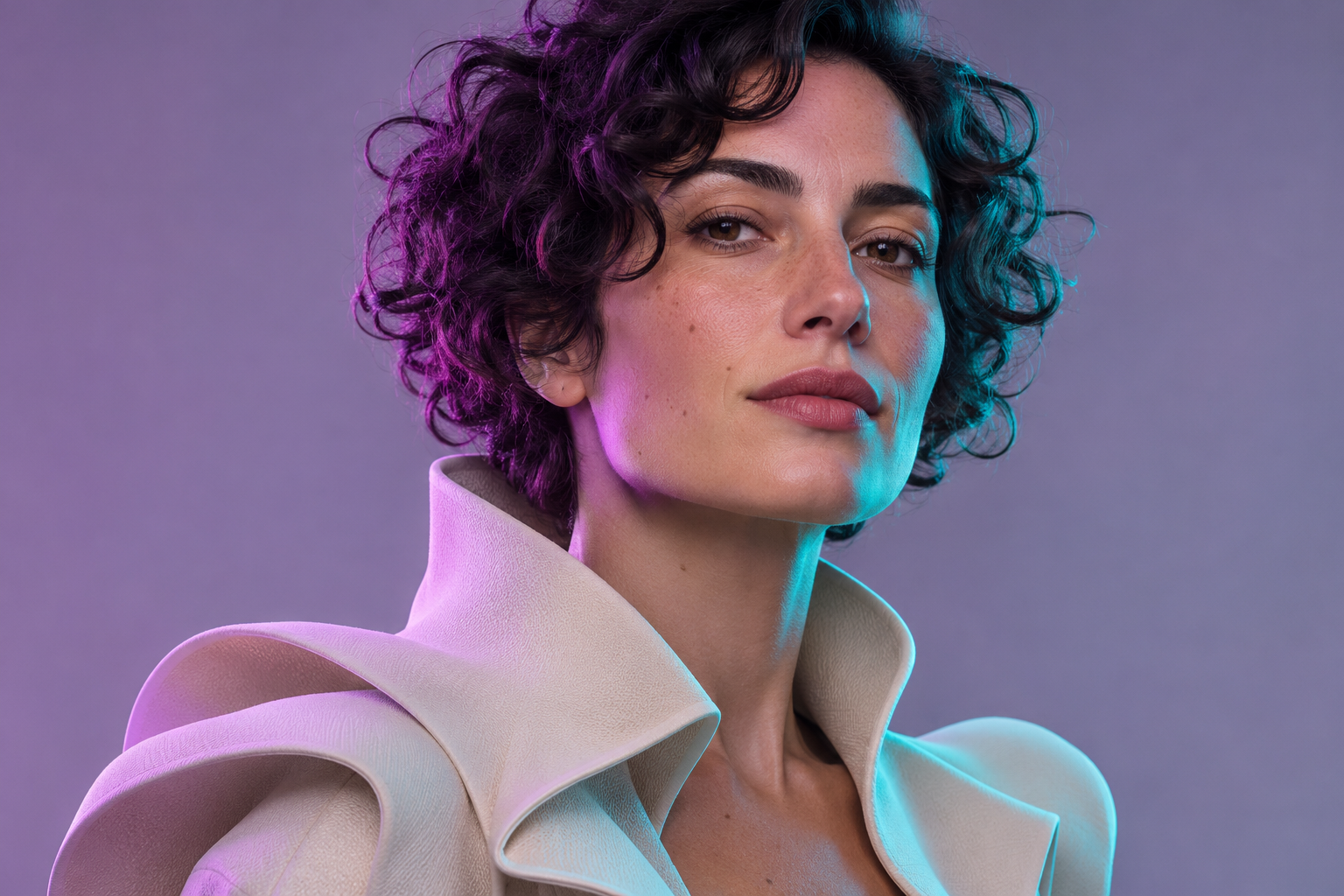
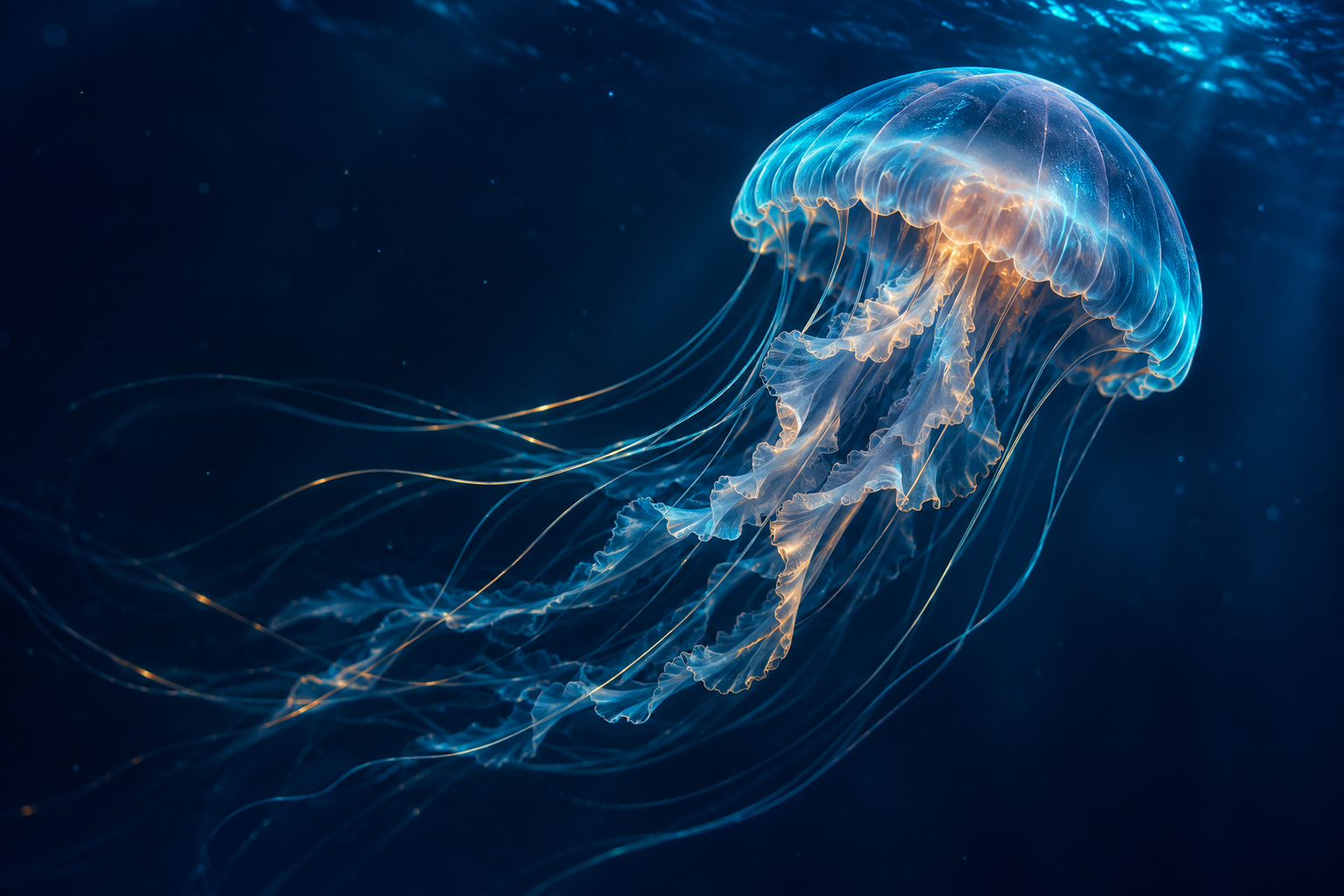
Original campaign artwork created for this website. These images are not app results, screenshots or available templates.
The way from here to thereAn idea.
An idea.
An image.
Your next take.
- 01
Choose what you start with.
Pick an image you have permission to use. Select image-to-video or image-to-image to suit what you have in mind.
- 02
Explore the possibilities.
Use the options offered in the app. AI can produce unexpected details, so look closely at each result before using or sharing it.
- 03
Take your favorites with you.
Export the creations you want to keep before the original 48-hour data deadline. Finishing a generation does not restart that clock.
Original campaign artwork created for this website. These images are not app results, screenshots or available templates.
Your information does not train AI.
Generation runs on self-hosted systems, without third-party AI generation, facial recognition or biometric identity extraction.
Deletion has two independent routes.
Use Personal Settings or email contact@takeloft.app. No login is required. View deletion options.
What can I create with Takeloft?
Takeloft offers two ways to work with an image: image-to-video, which explores movement, and image-to-image, which reimagines the image. Start with a photo you have permission to use, then choose the feature that fits your idea.
Where can I download it?
Takeloft is in development for Android. Google Play is coming soon; an official store link will appear here when the app is available.
Do I need an account?
There is no registration or login. You can request data deletion from Personal Settings or independently by emailing our support address, including if you no longer have access to the app.
Are the gallery images made in Takeloft?
No. The gallery is a collection of original campaign concepts made for this website. It is a visual introduction to the brand, not a demonstration of app results, screenshots or available templates.
What if I need to report a creation?
Use the report option on the creation’s detail page, visit our help page or email us. Describe the concern without forwarding harmful material. Only use images you are entitled to use and obtain the necessary consent from people pictured.